Add Senvi to Your Home Screen
Add Senvi to your phone's home screen for one-tap access, just like a native app.
- 1
Open senvi.ai in Chrome.

- 2
Tap the ⋮ menu in the top right.

- 3
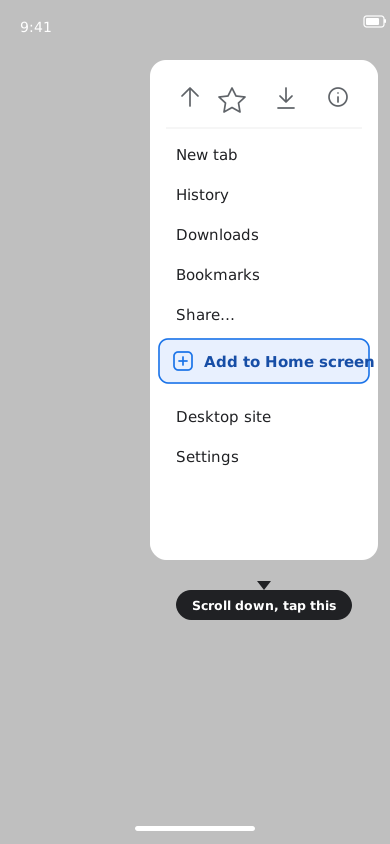
Tap Add to Home screen (or Install app if Chrome shows an install prompt).
- 4
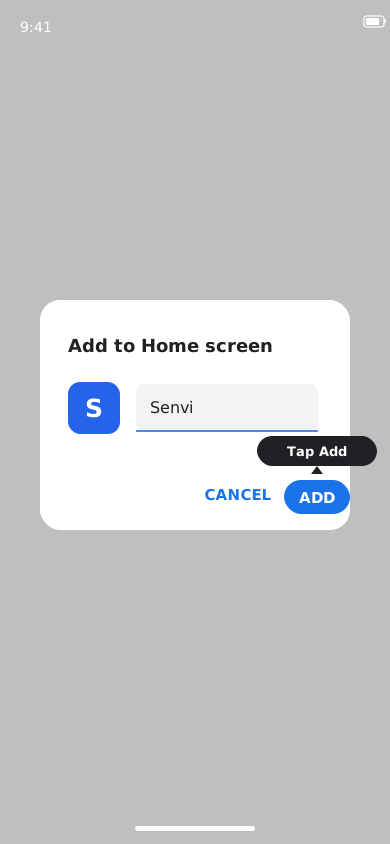
Confirm by tapping Add / Install.